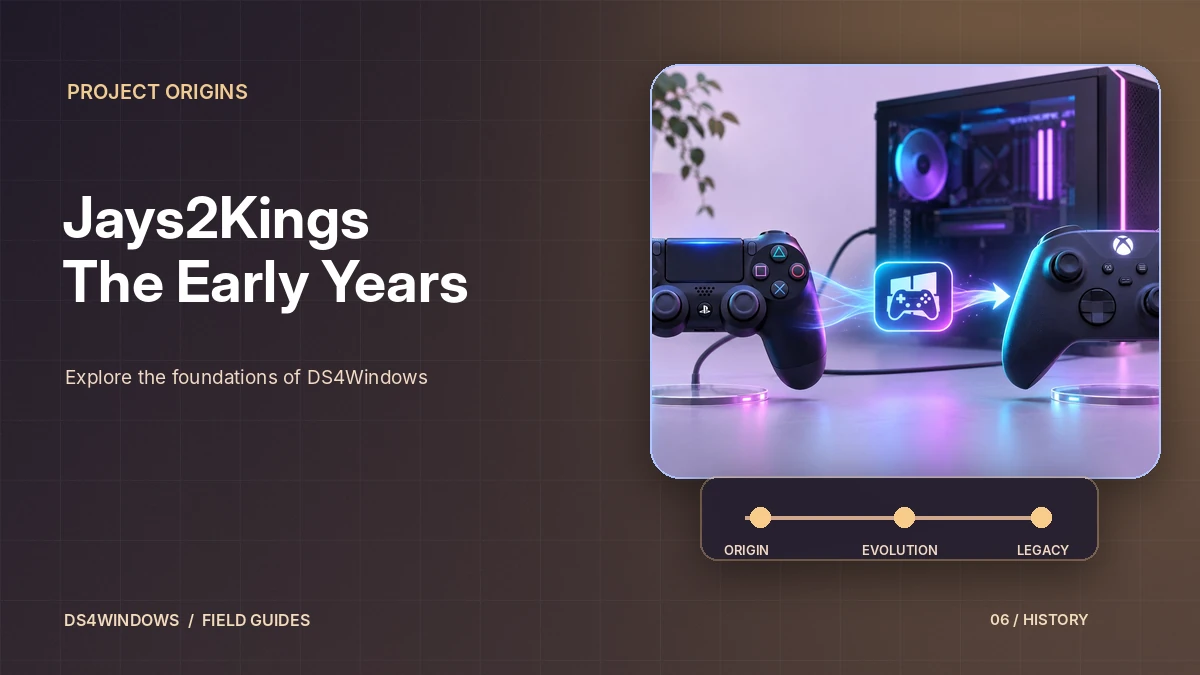
For many PC players, DS4Windows by Jays2Kings was the first tool that made a PlayStation 4 controller feel at home on Windows. Its tagline, "Like those other ds4tools, but sexier", still appears in later forks today. Understanding this version helps explain why DS4Windows works the way it does and why most people no longer use the original build.
What the Jays2Kings version did
The core idea has not changed since this version: DS4Windows reads input from a DualShock 4 and presents it to Windows as an Xbox 360 controller. Most PC games understand Xbox controllers natively through XInput, so the PlayStation pad suddenly works in titles that would otherwise ignore it.
The Jays2Kings version also popularised features that are still central today, including per-game profiles, lightbar colour control, battery indication, touchpad mouse control and adjustable dead zones.
Why it stopped receiving updates
The final release in the Jays2Kings repository is version 1.4.52. The project's README now states that this version is no longer maintained and will receive no future updates, and it directs users to Ryochan7's DS4Windows instead. The GitHub repository has been archived, which means it is read-only.
Older builds were designed around older Windows components and drivers. As Windows 10 and later versions changed, users began to report compatibility problems with the old builds, which is one reason the community moved to newer forks.
What replaced it
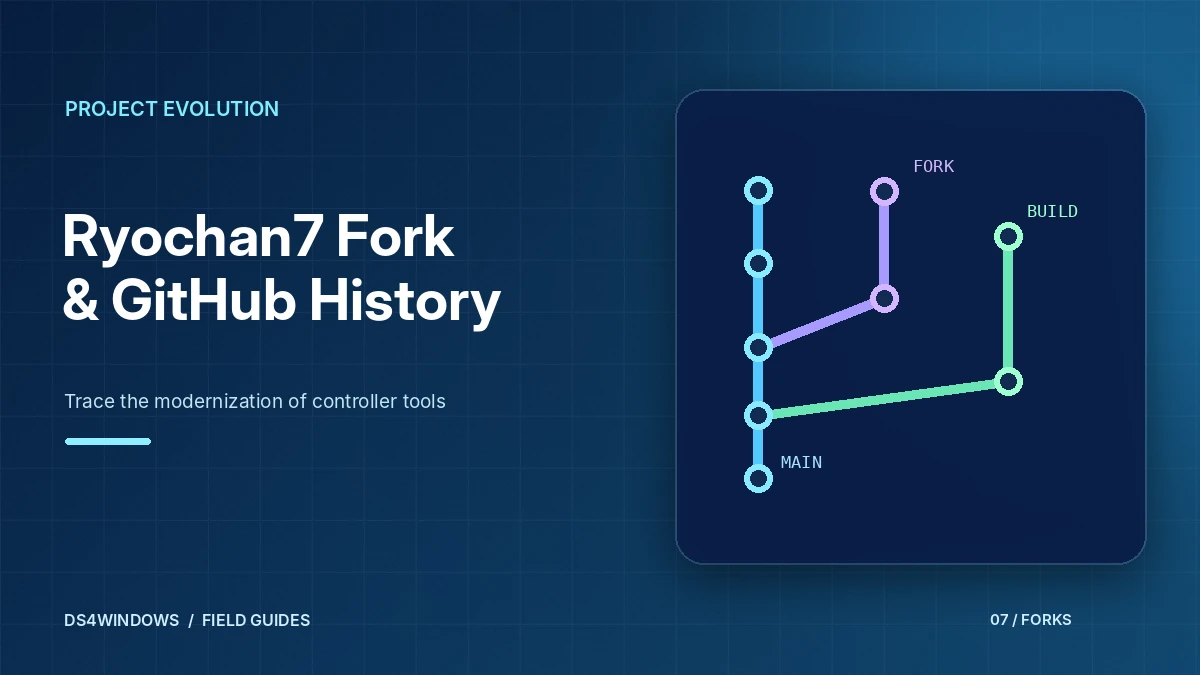
Developer Ryochan7 forked the code and continued development for several years, modernising it and adding support for more controllers such as the PlayStation 5 DualSense. That fork was itself archived in January 2024, and community developers have published further forks since. Our Ryochan7 GitHub guide covers that chapter in detail, and DS4Windows GitHub explains how the repositories fit together.
Should you still use the Jays2Kings build?
For most people the answer is no. Newer forks are built for Windows 10 and later, use the ViGEmBus virtual controller driver, and include fixes and controller support that the old version never received. If you have an old installation, back up your profiles and switch to a current build. The installation section on our homepage outlines the steps.
Where the original project fits in the timeline
Jays2Kings helped popularize the idea of translating DualShock 4 input into controller behavior that ordinary Windows games could recognize. At a time when Xbox-style XInput support was common but PlayStation controller integration was inconsistent, this provided a practical bridge for PC players. The original project also established a familiar pattern: launch an application, detect the controller, apply mappings and make the result available to compatible games.
The name is still frequently seen in search results and older installation videos. That visibility does not mean the original build is the best choice for a current Windows installation. Software compatibility changes when Windows updates, controller firmware evolves and virtual driver technology moves forward. Understanding the historical role of Jays2Kings makes it easier to interpret archived guides without treating decade-old setup steps as current instructions.
How the older driver approach differs
Older builds were created around the driver tools and Windows versions available at their release date. Some tutorials mention ScpVBus or other legacy components that are not equivalent to the virtual gamepad setup used by later DS4Windows branches. Installing an obsolete driver just because an old screenshot recommends it can introduce conflicts that are difficult to diagnose. Check the requirements for the exact application version rather than mixing instructions from unrelated releases.
A newer fork may use different frameworks, controller detection routines or virtual output drivers. That difference is why copying a complete old application folder and all its driver installers is not a reliable migration method. The safer approach is to understand which features you actually used in the original version and rebuild those settings with a compatible modern package. Treat the old package as a historical reference, not a universal installer.
What changed as DS4Windows evolved
Subsequent maintainers expanded the controller list, added more configuration options and adjusted the application to changing Windows behavior. Profile editing became more flexible, and support for devices such as the DualSense arrived in later work rather than in the original Jays2Kings release. The project lineage matters because several different downloads have used the DS4Windows name, even though they do not necessarily share the same update status or feature set.
If you see two guides claiming different prerequisites, they may both describe real versions of DS4Windows. One could refer to an older .NET Framework application, while another describes a later .NET Desktop Runtime build. Neither list should be copied blindly into the other installation. Identify the build, repository and release notes first, then match the instructions to that exact version and your Windows architecture.
Identify a trustworthy release before installing
Look for consistent project ownership, a clear source-code history and release notes that describe what the package contains. A repository archive containing source files is not necessarily a ready-to-run Windows application. Likewise, a third-party mirror may repackage files under a familiar name without preserving their origin. Comparing publisher information, archive contents and any available checksums helps avoid confusing similarly named builds.
Security warnings deserve investigation rather than instant dismissal. Controller remapping applications often interact with devices and install drivers, which can trigger security prompts, but that does not establish that an unexpected download is safe. Scan the archive, inspect the installer name and stop if the requested permissions or bundled programs do not match the documented features. Avoid disabling Windows protections simply to run a historical release.
Moving from a historical setup
Before changing applications, write down your important controller settings: output type, stick dead zones, trigger sensitivity and any special button mappings. Export or copy the old profile files if the program supports it. Then close the earlier version and remove only those legacy components that you have positively identified as unnecessary. Avoid deleting drivers solely because they have unfamiliar names; they might be used by other software.
Test a current build with a wired controller and a plain profile before attempting Bluetooth, macros or game-specific mappings. A working baseline gives you a point of comparison if problems appear. Once the basic controls function, recreate a single custom profile and check it in one game. This careful sequence is more reliable than trying to import every setting and install every driver from the old tutorial at once.
Conclusion
Jays2Kings is an important part of DS4Windows history, but its early build should not be confused with later maintained branches. For a modern PC, match software and driver requirements to the exact version, avoid obsolete installers and migrate settings carefully. Historical tutorials are most useful as context, not universal installation instructions.