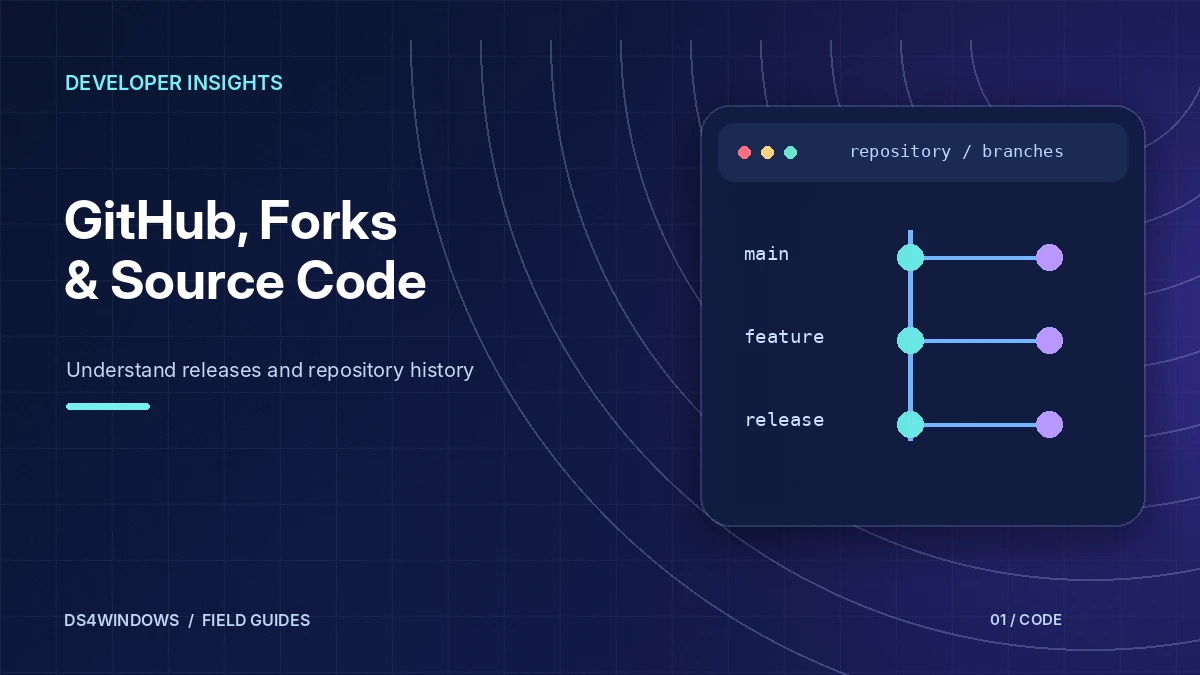
If you search for DS4Windows GitHub, you will find more than one repository with the same name. That is normal for an open-source project with a long history. DS4Windows is released under the GNU General Public License version 3, which allows anyone to fork the code, modify it and publish their own version, as long as they keep the same licence.
This article explains the main repositories, why there are several and what the ZIP download from a repository contains.
Why there are several DS4Windows repositories
DS4Windows started as a community project and has changed hands more than once. When a maintainer stops working on a project, other developers can fork it and keep it going. Over time, this created a chain of repositories:
- Jays2Kings/DS4Windows – the well-known earlier version. Its README states that it is no longer maintained and points users to Ryochan7's fork. The repository is archived. Read more in DS4Windows by Jays2Kings.
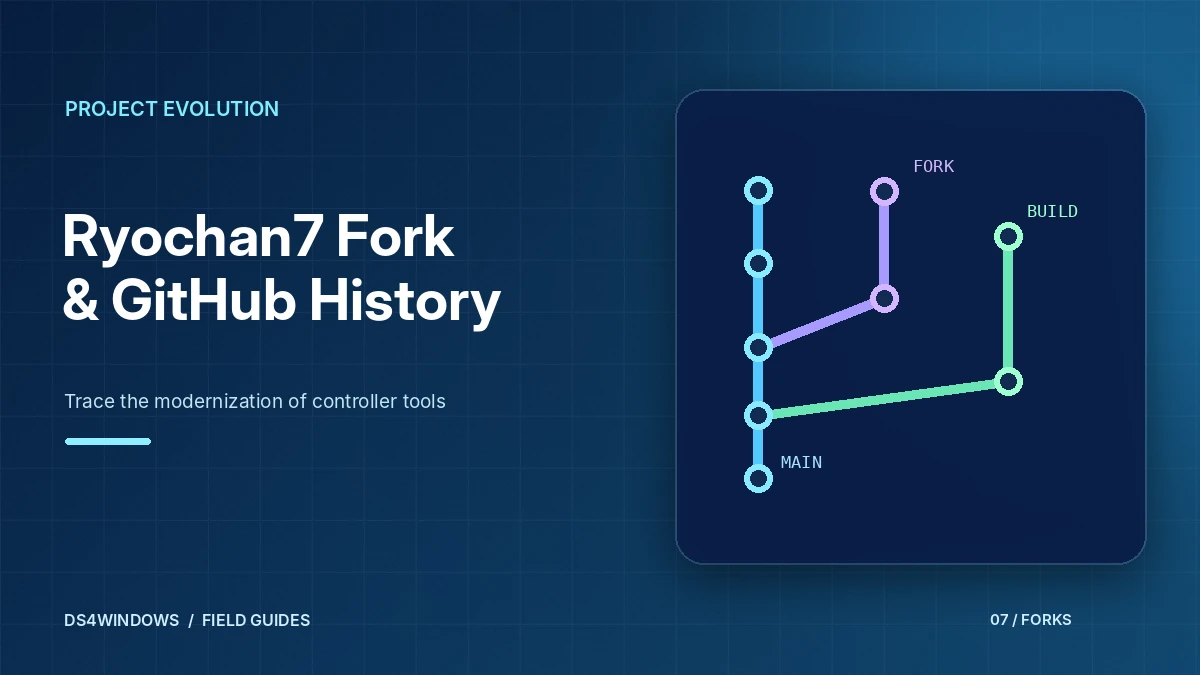
- Ryochan7/DS4Windows – the fork that introduced many of the features people associate with modern DS4Windows, including DualSense support. It was archived by its owner in January 2024. See DS4Windows Ryochan7 GitHub.
- Later community forks – several developers have continued the code after the Ryochan7 repository was archived. Some of these have also been archived since.
The repository used for downloads on this site
The download on this website points to a ZIP archive of the ds4windowsapp/DS4Windows repository on GitHub. Its README describes DS4Windows as an extract-anywhere program for using a DualShock 4 on PC and credits the work of Jays2Kings and Ryochan7. It lists the same core requirements as earlier versions: Windows 10 or newer, the .NET 8.0 Desktop Runtime, the Visual C++ 2015–2022 Redistributable and the ViGEmBus driver.
This website is independent and is not affiliated with any DS4Windows developer or repository owner. Always review a repository yourself before using its files.
What a GitHub repository ZIP contains
GitHub can package any branch of a repository as a ZIP file. That archive is a snapshot of the files in the branch at the moment you download it. For DS4Windows, that typically means:
- The project and solution files used to build the application.
- The
README.mdwith requirements and usage notes. - Licence and notice files describing the GPL-3.0 terms.
- Helper scripts and documentation folders included by the maintainer.
A branch ZIP is different from a "release" asset, which is usually a ready-built package attached to a tagged version. Read the README inside the archive to see how that particular repository expects you to run or build the program.
How to evaluate a DS4Windows repository
Before trusting any fork, take a minute to look at a few signals on its GitHub page:
- README and credits. A legitimate fork explains where the code came from and keeps the licence.
- Commit history. A meaningful history makes it easier to see what changed compared with earlier versions.
- Issues and pull requests. Open discussion is a good sign that people are actually using and reviewing the code.
- Archive status. An archived repository is read-only and will not receive fixes.
Next steps
Once you have the archive, follow the installation steps, make sure the required drivers and runtimes are in place, and use the app guide to set up your first profile.
Learn the difference between code and releases
A GitHub repository presents more than one kind of downloadable item. The Code menu typically produces a snapshot of source files, which is useful for developers but may not include a ready-to-run Windows program. The Releases area, when maintained by the project, can contain packaged builds, changelogs and optional checksums. Selecting an archive solely because it has a ZIP extension is a common way to end up with files that do not launch.
Before downloading, identify the version number, the publishing account and the kind of archive described. Read release notes for changes to drivers, required runtimes and migration instructions. A project that uses tags or prereleases may show several candidates, and the newest commit is not necessarily the newest recommended stable application. Keep the distinction between development activity and published software clear.
Check repository identity and maintenance signals
The DS4Windows name has been associated with multiple maintainers and forks. Review the repository description, commit history and licensing details rather than assuming every similarly named result is the same application. An archived badge means the repository is read-only; it does not necessarily mean that every program built from it is unsafe, but it does signal that direct maintenance has ended in that location.
Other useful indicators include readable release notes, an issue tracker with recent discussion, documented prerequisites and packages whose contents match their descriptions. Popularity counts are not a replacement for inspection. A newly created mirror can copy a familiar name and screenshots without preserving a trustworthy development history. When sources disagree, compare the original project lineage and the actual release metadata.
Read source files with realistic expectations
Source-code access makes it possible to inspect how a program is structured and what it intends to do, but most PC users will not be able to audit an entire codebase. Even a publicly visible repository does not guarantee that a separate binary on a third-party site was built from those exact files. This is why provenance, releases and integrity information matter alongside the open-source license.
If you want to build the software yourself, start with the repository build instructions and toolchain requirements. Expect dependencies, project settings and occasional build errors. Source snapshots may not include generated files or all prerequisites. Building from source is a different workflow from extracting a published application package; confusing the two leads to unnecessary troubleshooting and incorrect conclusions about whether the program works.
Review forks without mixing their instructions
A fork starts from another project but can evolve independently. One DS4Windows fork might update controller support while another changes its interface or virtual driver architecture. You cannot assume that a profile, runtime guide or driver installer for one fork applies unchanged to every other. Read the fork-specific README and release notes before transferring settings or following an old troubleshooting video.
It also helps to record the exact owner and project name when taking notes. Searching for only DS4Windows may return repositories from different eras, as well as abandoned mirrors. If you ask for support, include the repository identity and version. Those details let other users distinguish your setup from a similarly named build with different dependencies.
Download and verify with a clear checklist
An orderly workflow begins with confirming the project identity, reading the required Windows version and runtime details, selecting the intended published release and inspecting the downloaded file. If a checksum is provided, compare it before running the installer or executable. Scan the file with normal security protections enabled. Avoid repackaged archives that inject unrelated setup utilities or request unusual browser extensions.
Keep a short record of the release version and the day you installed it. If an update introduces a problem, you can compare the previous configuration and changelog rather than guessing what changed. Back up application profiles before migrating between major forks. A few minutes of preparation is usually more productive than troubleshooting an unidentified build after several unrelated components have been installed.
Conclusion
GitHub is useful for comparing DS4Windows history, source code and published application builds, but repository names alone do not verify a download. Confirm project ownership, release packaging, prerequisites and integrity before installation. Keep build notes and profile backups so future updates are controlled rather than guesswork.