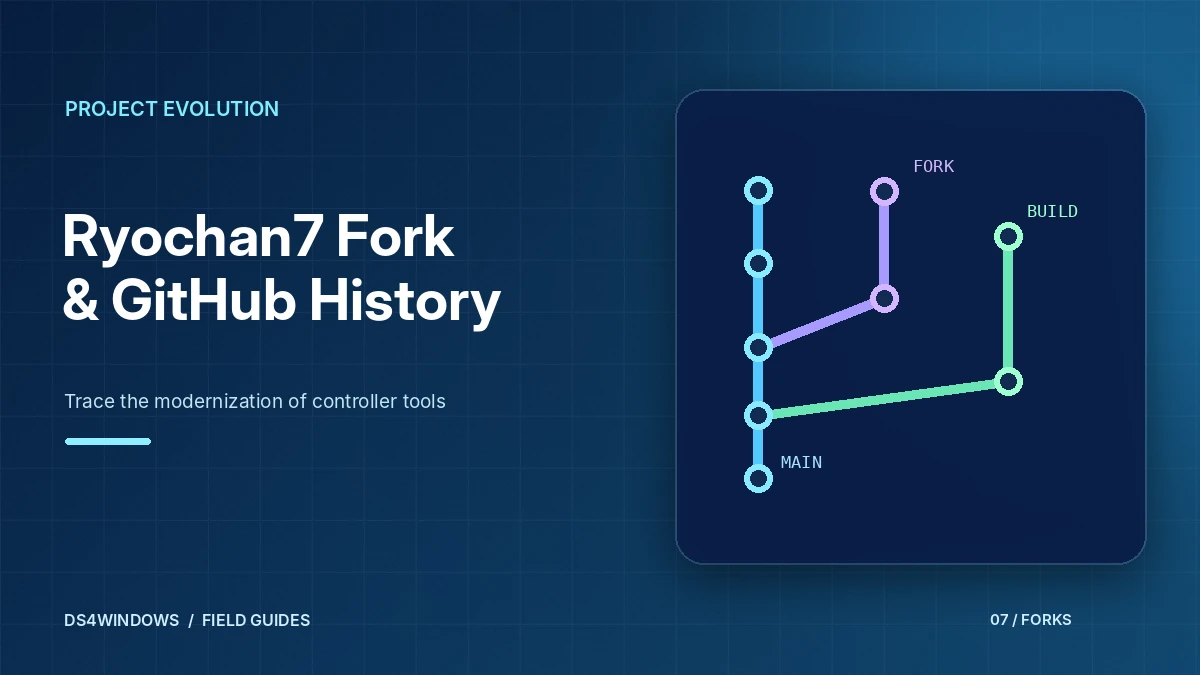
If you have used DS4Windows at any point in the last few years, you were very likely running code from the DS4Windows Ryochan7 GitHub fork, or from a project built on it. Ryochan7 picked up the code after the Jays2Kings version stopped receiving updates and developed it for several years.
What the Ryochan7 fork changed
The fork modernised DS4Windows for current versions of Windows. Notable directions included:
- Moving the virtual controller to the ViGEmBus driver.
- Support for more controllers, including the PS5 DualSense, Switch Pro Controller and Joy-Cons (first-party hardware).
- Integration with HidHide for device hiding to prevent double input.
- A redesigned interface and a move to newer .NET versions, with current builds requiring the .NET 8.0 Desktop Runtime.
- Expanded options for gyro, touchpad, curves and output modes.
The repository was archived
The Ryochan7/DS4Windows repository was archived by its owner in January 2024 and is now read-only. Version 3.3.3 is widely listed as its final release. An archived project does not receive new fixes, so problems introduced by future Windows or driver changes will not be patched there.
The ViGEmBus driver that DS4Windows depends on has also been retired by its developer, with a final release and an archived repository. Existing installations keep working, but there is no active development on that driver either.
Forks after Ryochan7
Because the code is GPL-3.0, other developers have forked the Ryochan7 repository to keep it alive, update dependencies or publish builds. Some of these forks have been archived later too, so it is worth checking the status of any repository you rely on. Our DS4Windows GitHub guide explains how to evaluate a fork.
What it means for you
- Existing Ryochan7 builds can continue to work on current systems with the right runtimes and drivers.
- Keep backups of your profiles so you can move to a different build easily.
- Use a download source you trust and check the README of any fork before running it.
- Read our drivers guide to make sure ViGEmBus and the .NET runtime are installed correctly.
Place the Ryochan7 fork in context
Ryochan7 continued DS4Windows after the original Jays2Kings era and helped make it a familiar tool for later Windows gaming setups. The fork expanded the practical controller-mapping workflow with modern profile options, more controller support and virtual output choices. Many guides and screenshots still describe this branch because it shaped the features that users associate with the DS4Windows name today.
This history also explains why searches can be confusing. The original project, Ryochan7-era releases and later forks may share interface concepts but not exactly the same requirements. A user reading instructions from different years can easily combine incompatible driver advice. When researching a problem, begin by identifying which branch created your installed build instead of treating every page bearing the DS4Windows name as interchangeable.
What an archived repository tells you
An archived GitHub repository normally remains visible for reference but does not accept routine changes in the same way as an actively maintained project. Archiving is not proof that older binaries suddenly stopped working. It does mean that a particular repository is not the place to expect ongoing fixes for new Windows versions, controllers or security issues. Check whether a separate maintained fork has taken over work before looking for updates.
Historical releases can still help users reproduce a known environment or understand an older feature, but the trade-off should be explicit. When choosing software for daily use, review current maintenance, compatible drivers and release transparency. Avoid making a decision solely because a video labels a familiar version as the latest. The video may have been accurate when published and outdated now.
Understand continuity between forks
Forking makes it possible for a community to continue an open-source application after an upstream project stops updating. A later maintainer can preserve the basic workflow while changing the interface, build tools and driver backend. That means a fork is not necessarily an identical copy. Features described in older Ryochan7 tutorials may be renamed, moved or removed in a later branch.
Compare release notes rather than attempting to install a new application over the top of an unrelated fork without preparation. In particular, check whether the new build uses the same virtual controller technology and whether existing profiles can be imported safely. Keep each application in a separate folder until the replacement works. This avoids overwriting configuration files and makes it easier to return to the previous setup if required.
Avoid accidental driver conflicts
Legacy and current controller-mapping packages can depend on different Windows components. Installing every old prerequisite from multiple tutorials is not a reliable upgrade strategy. The correct path begins with a clean understanding of the driver already in use, the target build’s documented requirements and whether other controller tools are running simultaneously. Back up settings and create a restore point if you plan significant system-driver changes.
Test with a wired controller and one neutral profile before enabling Bluetooth or specialized input mappings. If the app cannot detect the physical controller, investigate Windows device recognition. If the app detects the controller but games do not, inspect virtual output. If the game responds twice, examine overlapping mapping and device-hiding rules. Treating those as separate symptoms reduces the temptation to reinstall unrelated components.
Read old tutorials without repeating old mistakes
Older guides can be helpful for understanding concepts such as profiles, dead zones, XInput and double-input prevention. However, button labels, update dialogs and runtime requirements may have changed. Confirm every setup action against the software currently installed on your PC. If a tutorial asks you to fetch an obscure legacy driver or bypass a security warning, investigate that instruction independently instead of following it automatically.
Keep notes containing the project name, repository owner, version and profile format. These details make it much easier to compare instructions and ask for support. If you want to preserve a familiar old layout, recreate the important mappings one by one in the chosen supported build. A careful transition usually gives a more stable result than copying unknown configuration and driver files between unrelated releases.
Conclusion
Ryochan7’s work helped shape modern DS4Windows, but archived repositories and newer forks should not be treated as identical. Check maintenance status and driver requirements for your chosen build, back up profiles before migrating and use older guides for conceptual understanding rather than copying every installation step.